


Season of Blood Twitch Drops: Earn the Orichalcum Collection
Season of Blood rushes into Sanctuary on October 17 at 10 a.m. PDT, ushering in a new era of vampiric nightmares to cull and 4 weeks of Twitch Drops to earn! Show support for your favorite streamers by watching them stamp out the fanged invasion—you’ll earn armaments from the Oricalchum collection fit for striking fear into the heart of darkness.
Twitch Drops
The below list of Twitch Drops can be earned by watching at least 4 hours of any channel in the Diablo IV category with drops enabled each week.
Week 1 Twitch Drops: Necromancer, Rogue, and Sorcerer
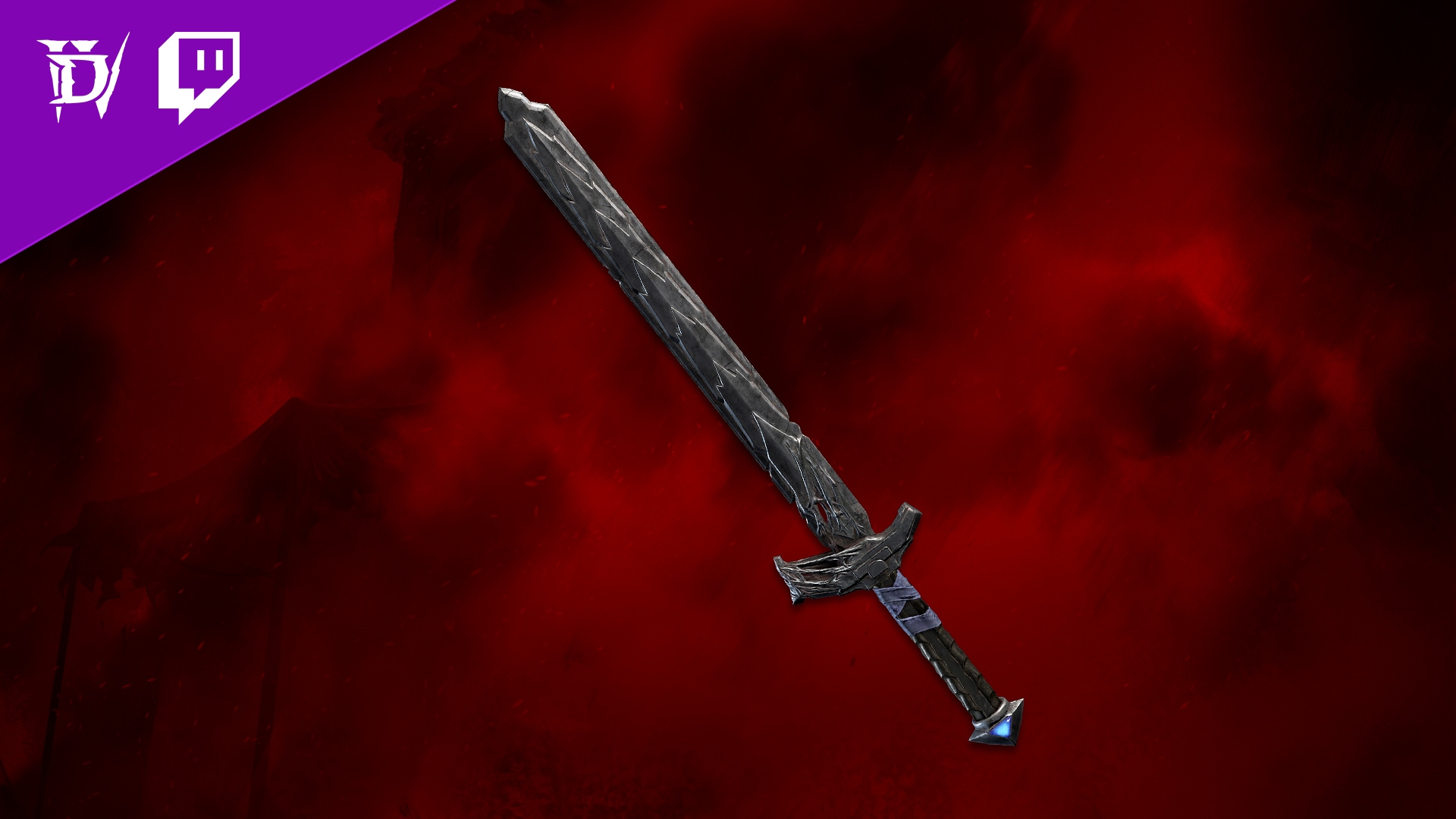
- Start Time: October 17, 10 a.m. PDT
- End Time: October 24, 11:59 a.m. PDT
- Cosmetic: Oricalchum Blade Item Cosmetic
Week 2 Twitch Drops: Barbarian and Druid
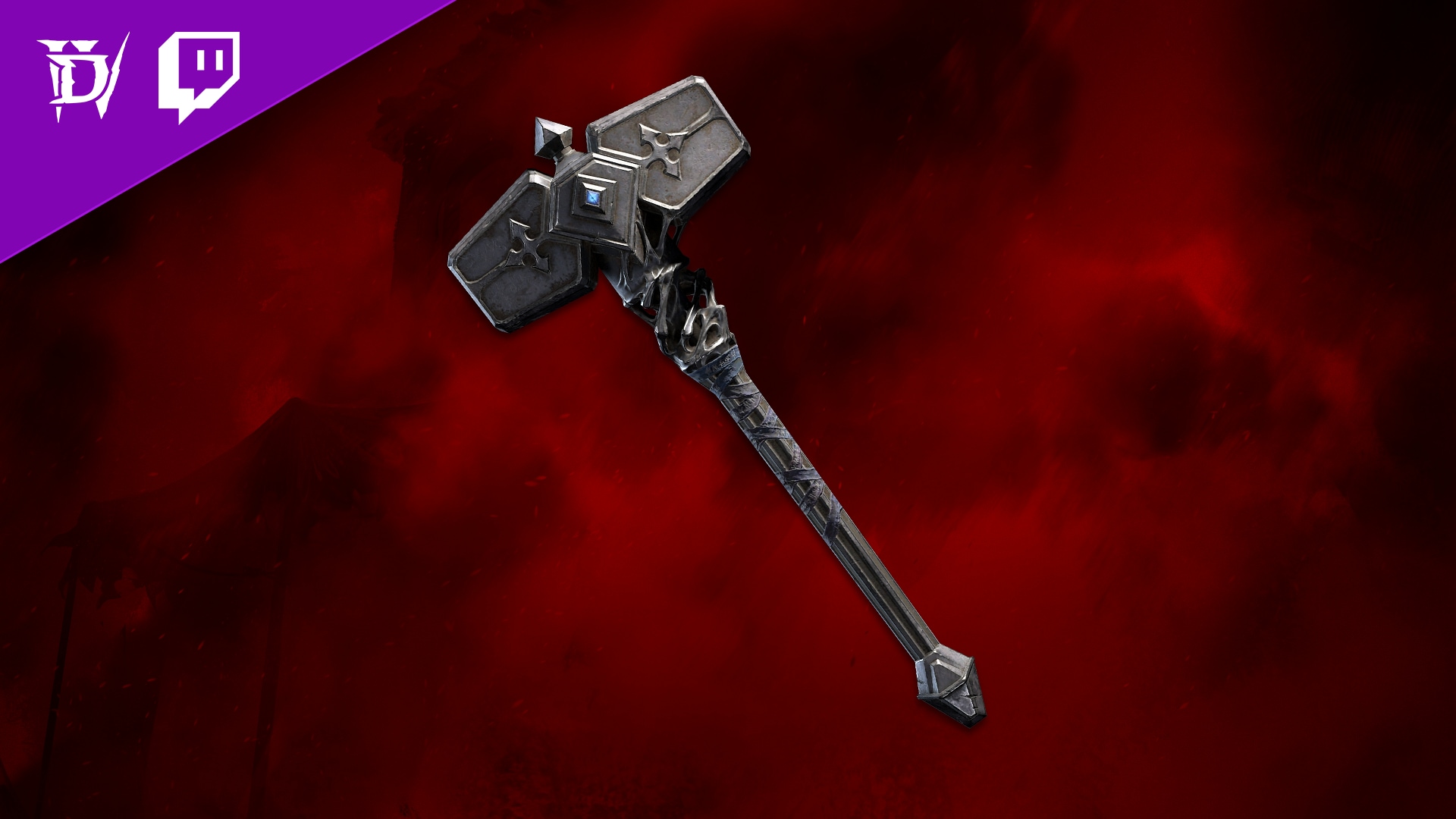
- Start Time: October 24, 12 p.m. PDT
- End Time: October 31, 11:59 a.m. PDT
- Reward: Oricalchum Mallet Item Cosmetic
Week 3 Twitch Drops: Barbarian and Necromancer
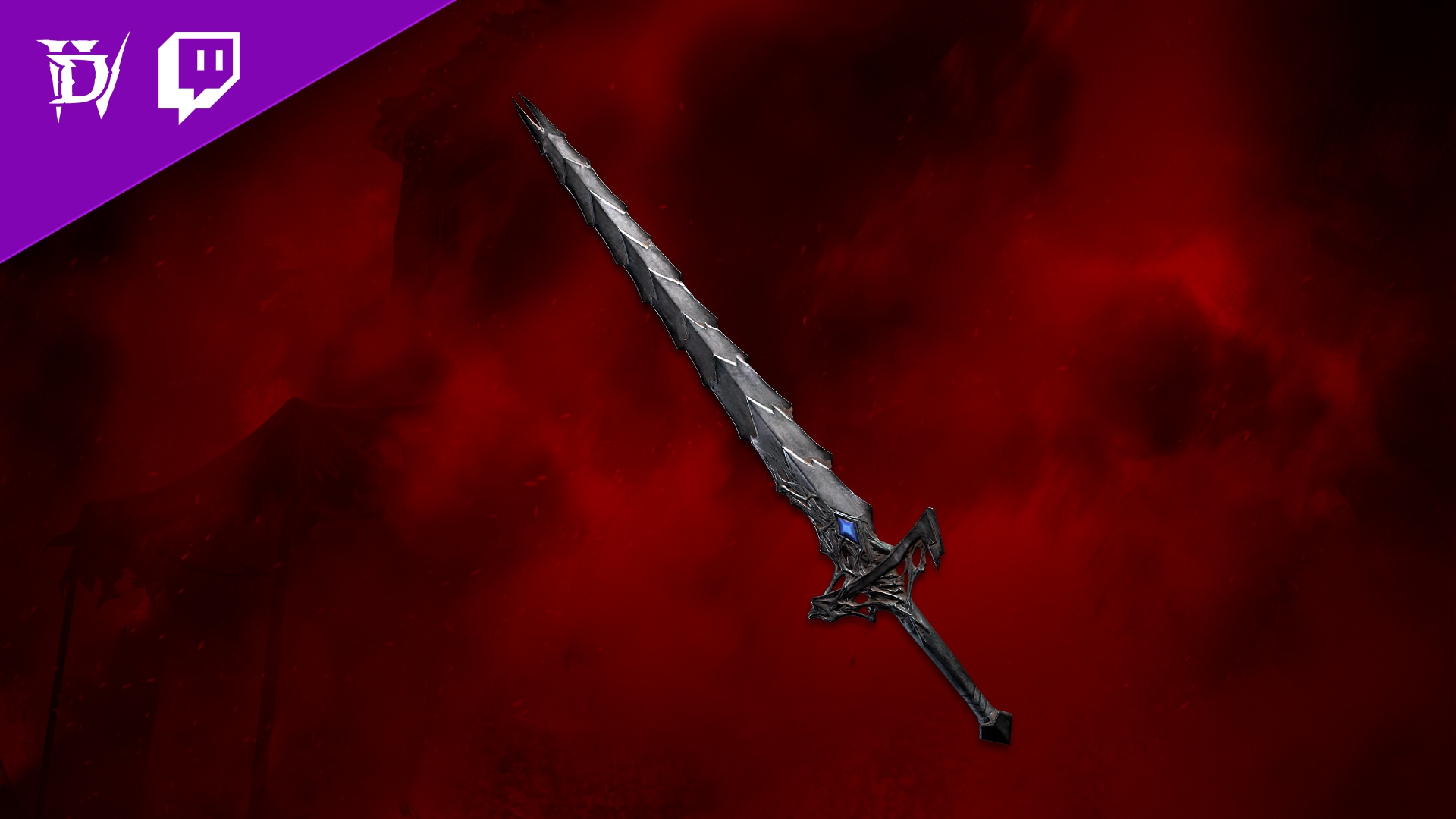
- Start Time: October 31, 12 p.m. PDT
- End Time: November 6, 11:59 a.m. PDT
- Reward: Oricalchum Greatsword Item Cosmetic
Week 4 Twitch Drops: Druid
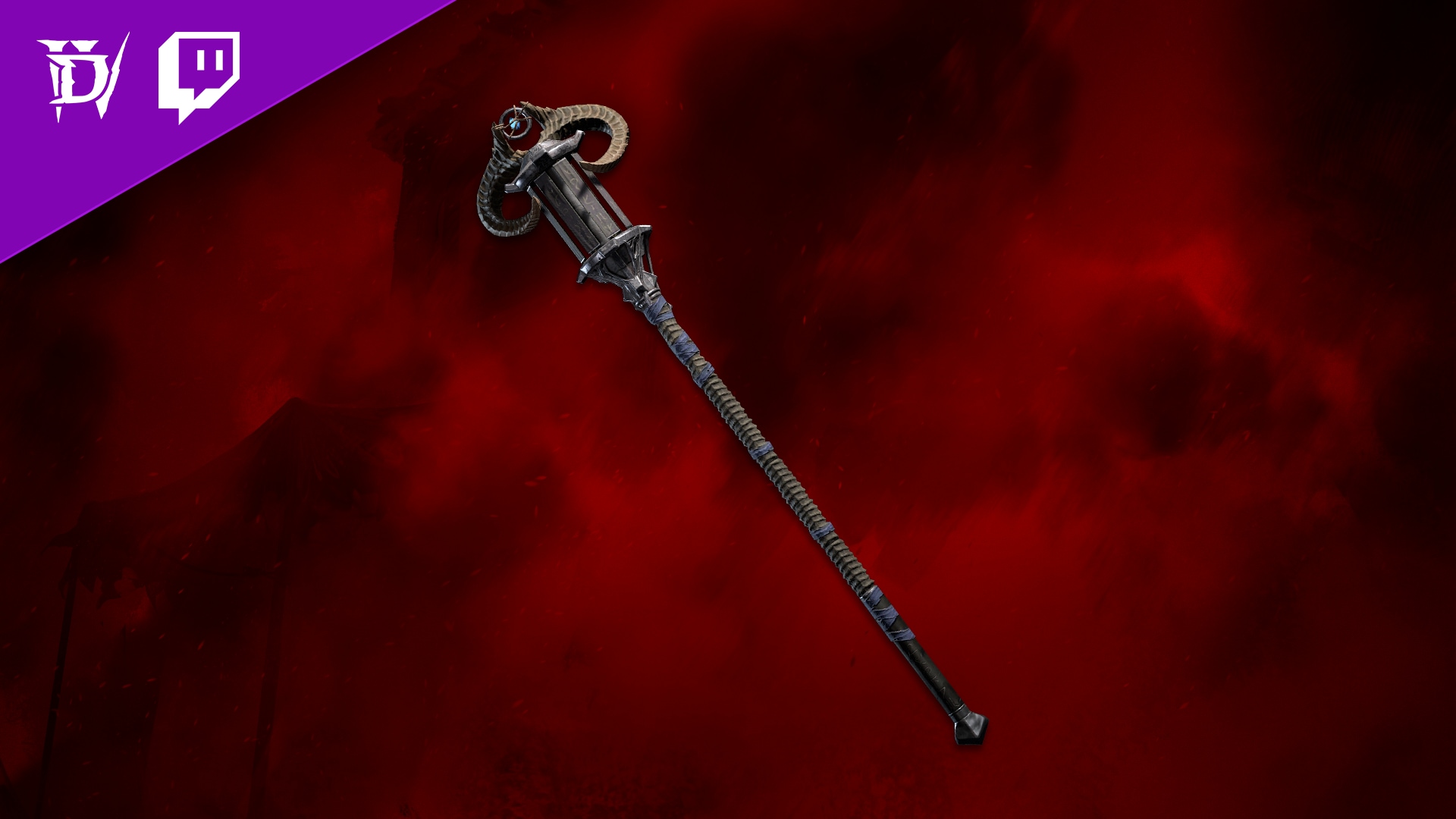
- Start Time: November 6, 12 p.m. PST
- End Time: November 13, 12 p.m. PST
- Reward: Oricalchum Quarterstaff Item Cosmetic
Twitch Drops Frequently Asked Questions
Q. Do I need to own an edition of Diablo IV to receive the Twitch Drops?
A. No, owning any edition of Diablo IV is not required to gain progress towards and earn Twitch Drops. However, you will need to have purchased an edition of Diablo IV before using the rewards in-game.
Q. How do I link my battle.net and Twitch account?
A. Sign into your Battle.net account here and click the Connect link for Twitch, then follow the instructions to sign-in and link your Twitch account to Battle.net.
Q. What devices can I use to earn and claim drops?
A. You can earn and claim drops using your PC or Mac web browser or on the Twitch app for Android or iOS. Twitch apps on game consoles, smart TVs, and other TV apps do not support drops.
Q. Do I need to watch the same channel the entire time to earn my drops?
A. No, you can earn progress towards a drop from watching any eligible Diablo IV content creator on Twitch. You can, for example, watch half an hour on one channel and then switch to another channel without losing your progress. You cannot earn progress faster by watching more than one channel at a time.
Q. Will I receive my Twitch Drops rewards in-game automatically?
A. No. You must claim the drop on the channel you’re watching or in the Drops Inventory menu on Twitch.
Q. Do Twitch Drop rewards expire?
A. Earned Twitch Drop rewards will expire 7 days after they’ve been claimed if a Battle.net account has not been linked.
Q. As a streamer, how do I get Twitch Drops on my channel?
A. All you need to do is make sure your Twitch and Battle.net accounts are linked, and that you’re opted into Drops (see Drops Streamer Home).